Modeling conceptsPackages

Packages
A package groups related model elements. Use packages to organize content by a purpose meaningful to your project, such as structure, requirements, or reusable definitions.
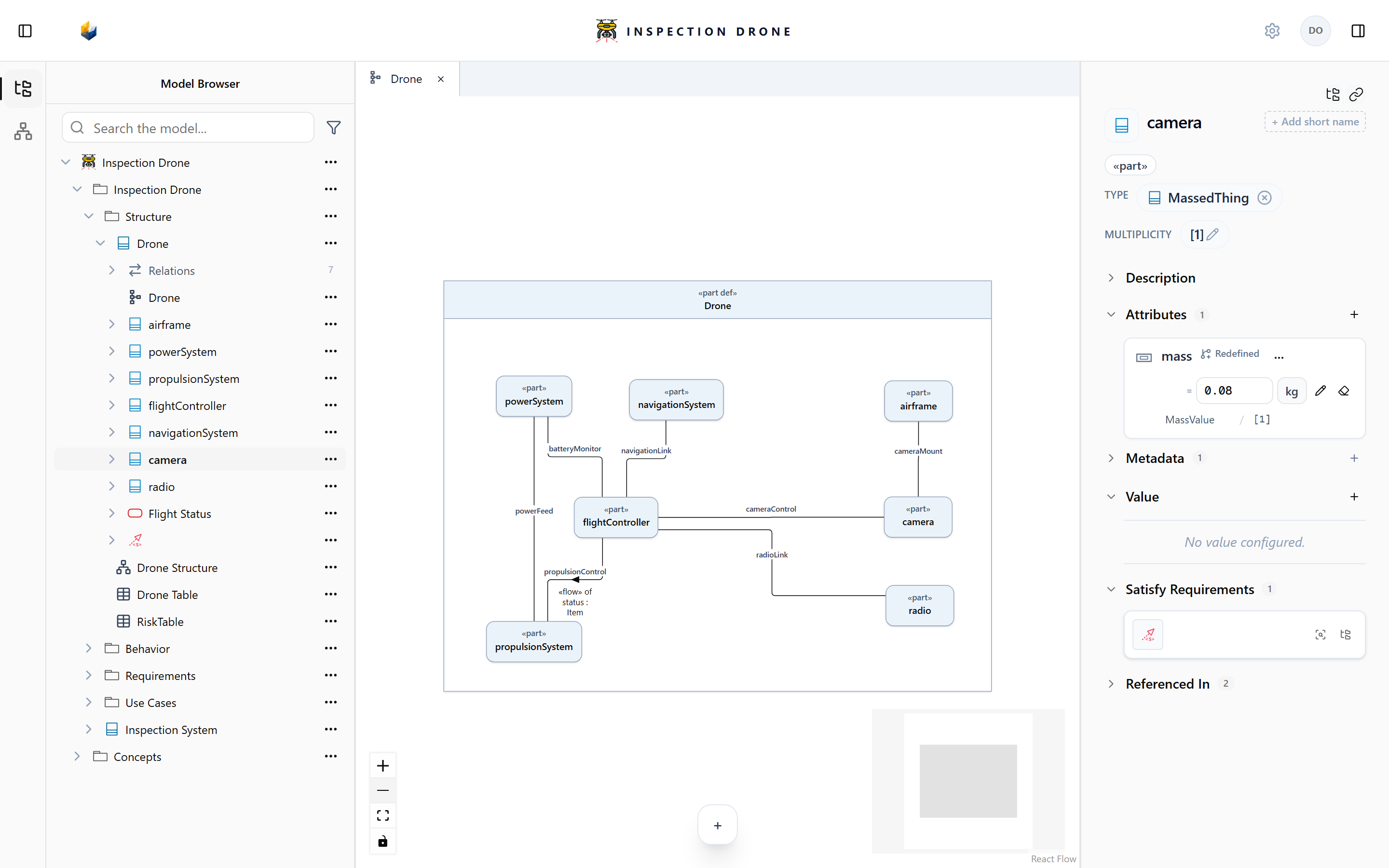
Create a package
- In the Model Browser, find the element that should own the package.
- Open its actions menu and choose Create Element → package.
- Enter a descriptive name and press Enter.
Check: the package appears beneath its owner. Expand it to see the elements you add later.
Choose an element’s owner
Open the intended owner’s menu before creating content:
- A package can own definitions and other packages.
- A system definition can own parts describing its composition.
- A part can own nested parts and ports.
- An action definition can own the actions it describes.
A package name does not determine which elements it must contain. Choose ownership to reflect the model’s intended structure, then use names to make that structure understandable.
If a creation kind is missing, check the selected owner’s kind and model editability. See Model Browser for the creation workflow and Create a view for view owners.
